



Learn How L&D Leaders Are Using Agentic AI to Get Ahead of the Skills and Capacity Crisis
Collaborative & Efficient Learning Program Execution
Streamline operations on one platform to stay agile and execute effectively. Replace outdated systems with modern workflows to cut costs, boost efficiency, and manage facilitators, content, and events strategically.
Features Include: Projects | Tasks | Content | Facilitator Management

execute.

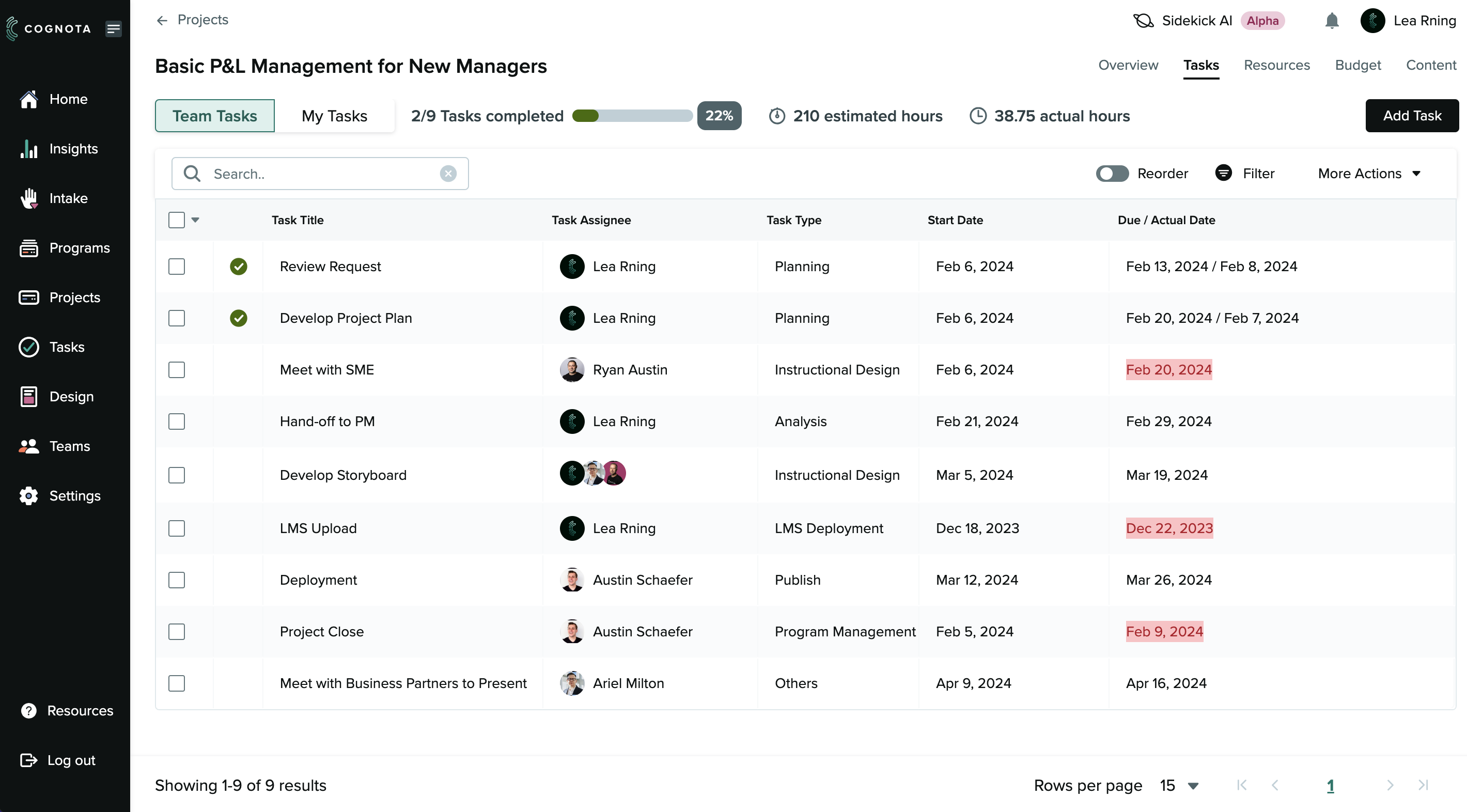
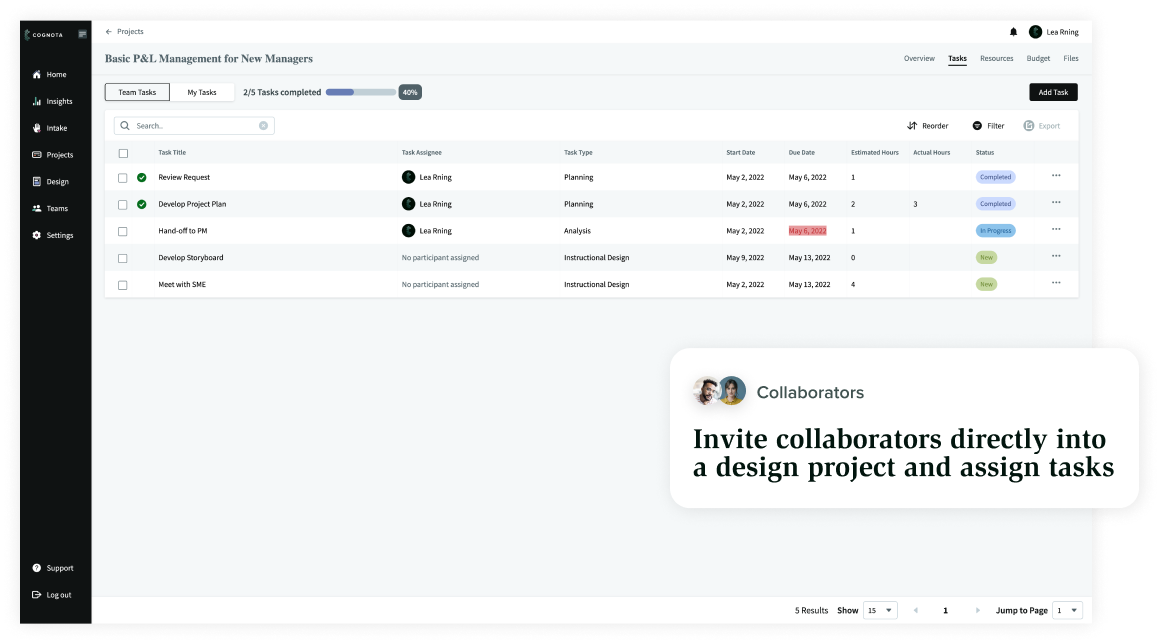
A project management dashboard displays tasks for “Basic P&L Management for New Managers,” showing task names, assignees, types, due dates, and status. Some due dates are highlighted in red to indicate overdue tasks. - Cognota

What Results Can You Expect From LearnOps? Calculate Your ROI Here

Enable True L&D Team Agility

Manage Learning Projects with Precision

  • Implement standardized templates and playbooks to ensure consistent, guided teamwork across all initiatives.
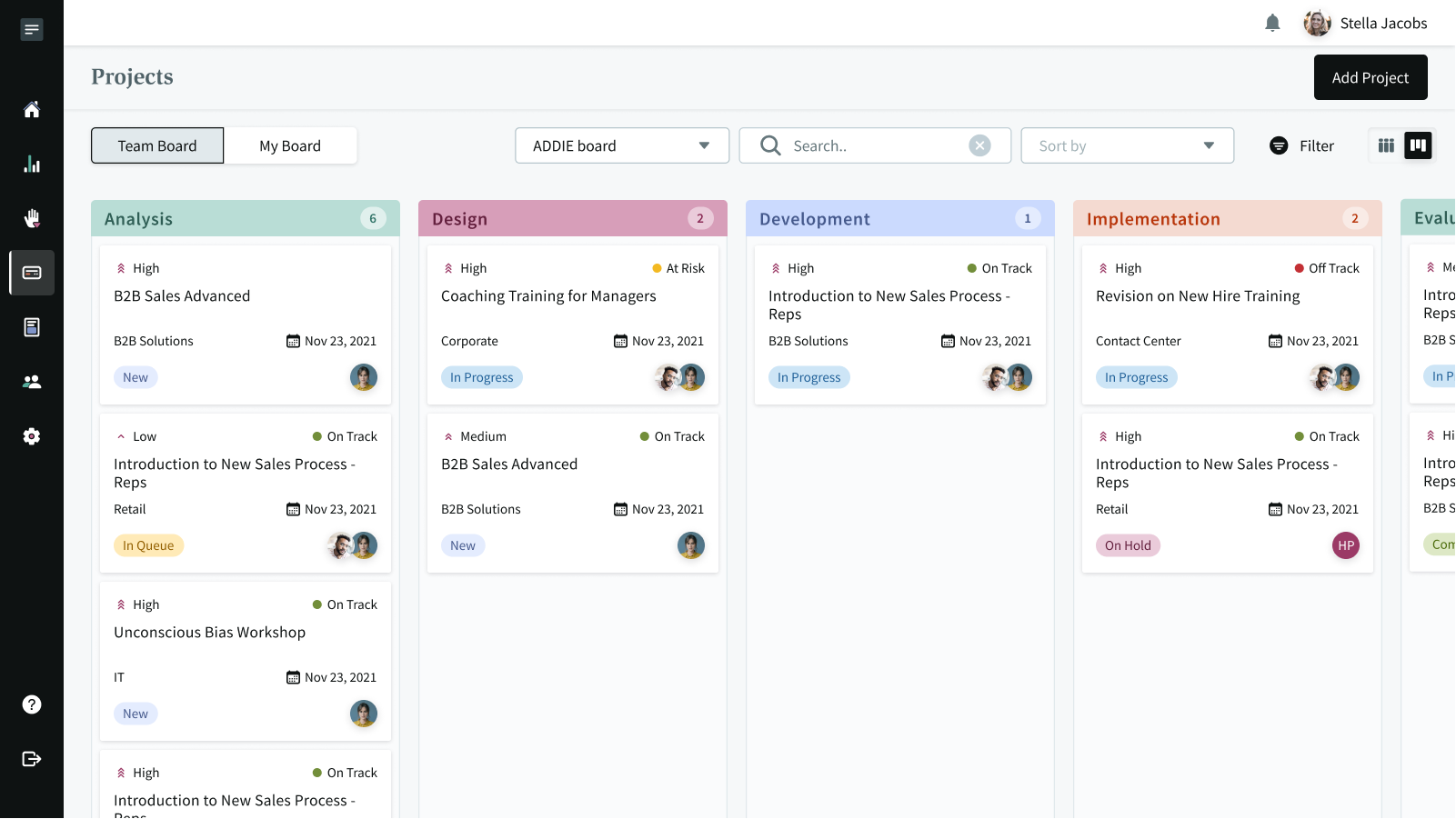
  • Utilize project planning boards to visualize project workflows, track progress, and prioritize tasks with clarity.
  • Manage task dependencies intelligently to keep projects on schedule, driving efficiency and reducing costs.

Streamlined the Execution of Any Learning Experience

  • Gain full visibility into project progress to prevent mismanagement and resource waste.
  • Efficiently manage tasks and resources, minimizing disruptions and ensuring timely delivery.
  • Utilize data-driven insights to track outcomes, fostering accountability and strategic decision-making.
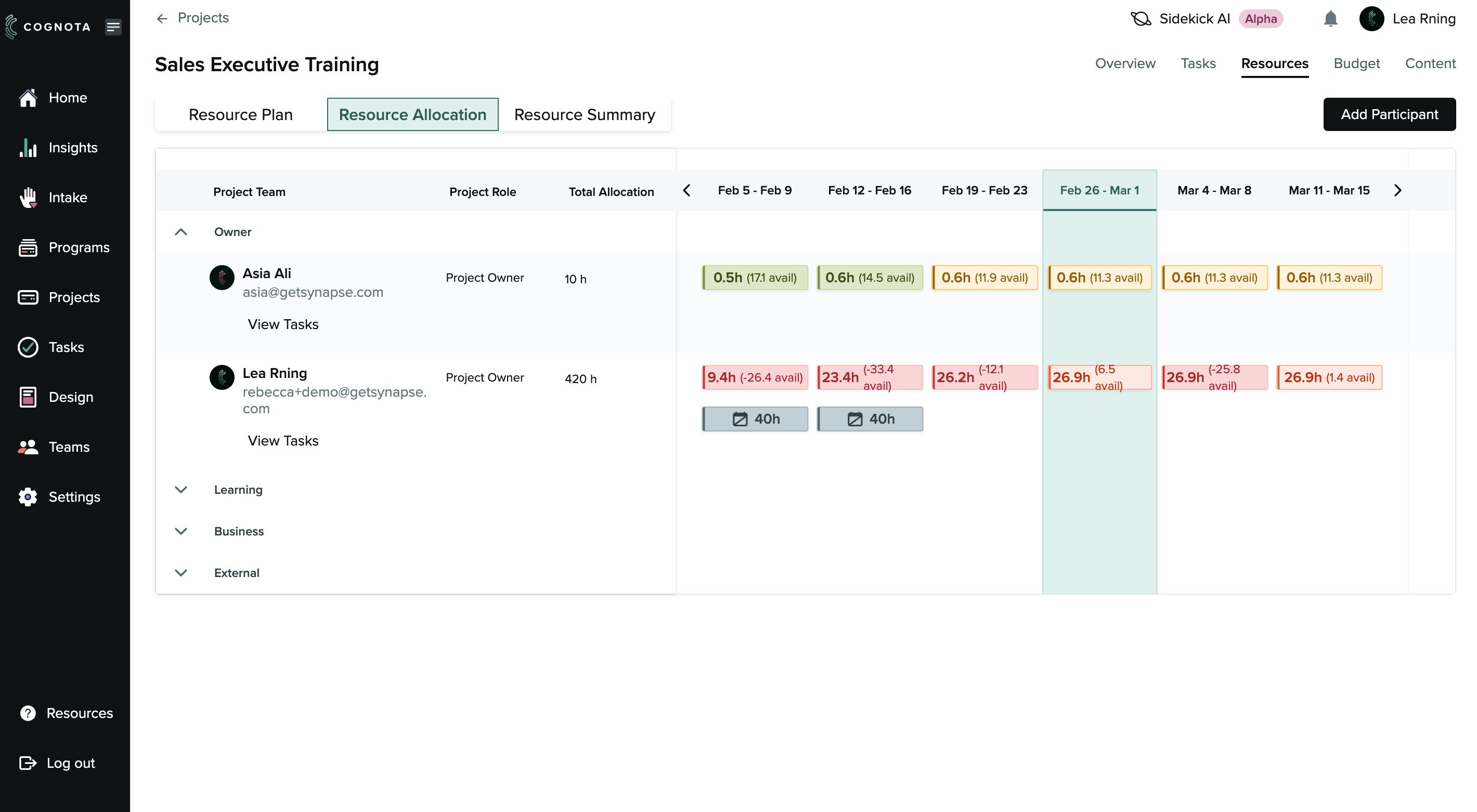
A project management dashboard showing the "Sales Executive Training" project under the "Resource Allocation" tab. It lists team members, their roles, email addresses, and hours allocated per week, with some cells highlighted in red or green. - Cognota

Integrated Facilitator and Training Management for Cost Efficiency

  • Consolidate legacy Training Management Systems (TMS) with Facilitator Management workflows, eliminating costly standalone systems to save time and money.
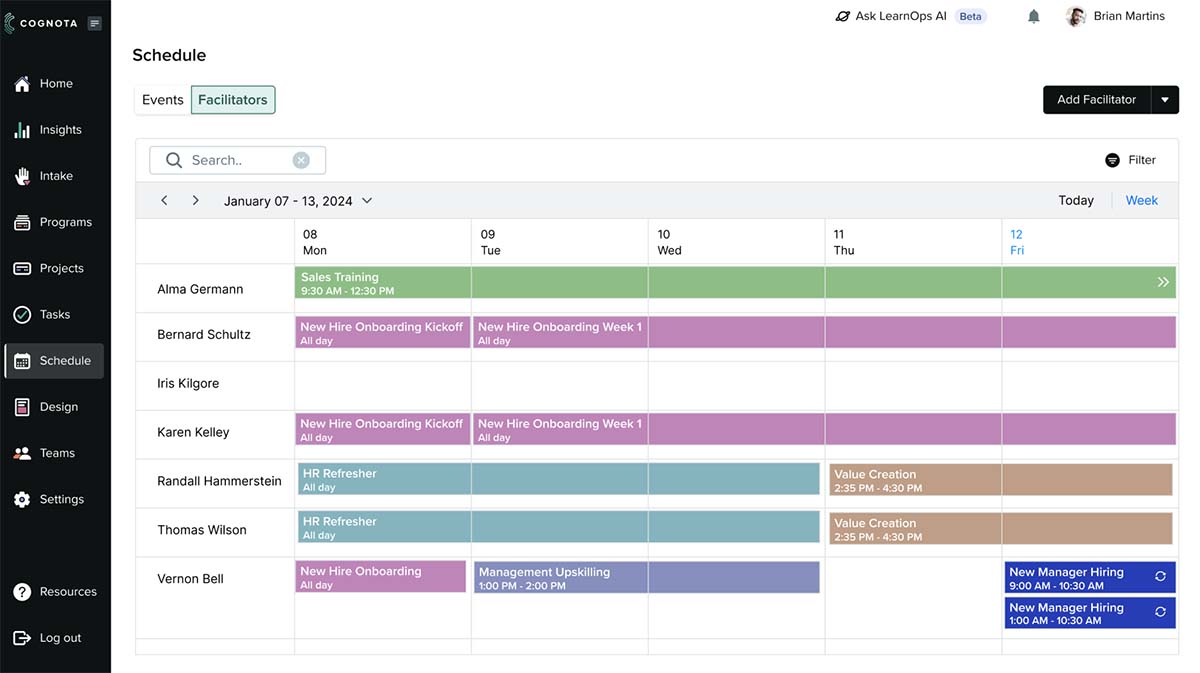
  • Seamlessly manage facilitators, events, and resources to resolve scheduling challenges and enhance coordination.
  • Centralize data across programs and tasks to enhance oversight and operate L&D like a strategic business unit.

Design Learning Content 70% Faster with Cognota
Collaborate Seamlessly with SMEs and Stakeholders

  • Enable SMEs to upload and comment on content in any course
  • Tag contributors exactly where you need their input so they know precisely what you need from them
  • Assign due dates and follow ups to make sure nothing slips through the cracks
  • Keep projects moving quickly with collaboration that happens in real time
A project management dashboard shows tasks, statuses, assignees, and due dates. A popup highlights the feature: “Invite collaborators directly into a design project and assign tasks.”. - Cognota

Standardize Courses with Templates and Branding

  • Ensure consistency by using templates and branding for different types of content
  • Provide help text to guide collaborators and creators on what is needed for each section of the course
  • Maintain quality with best practices in instructional design built right into the platform
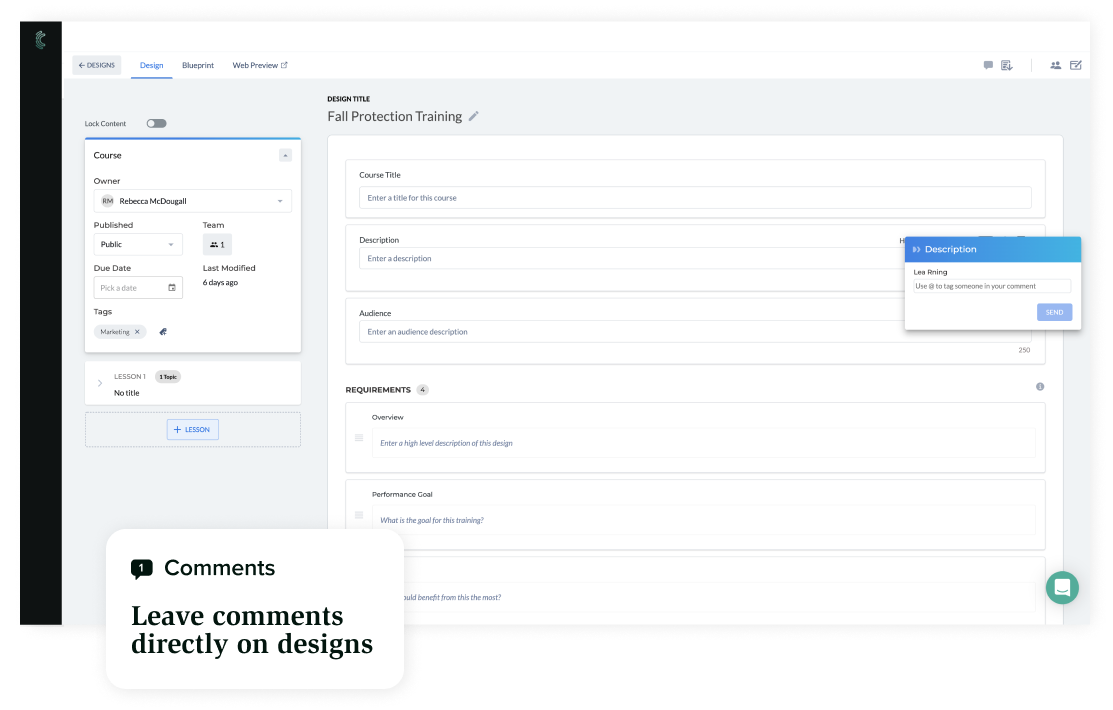
A web application screen shows a form for "Fall Protection Training" with fields for details and a pop-up comment box. A caption reads, “Comments: Leave comments directly on designs.”. - Cognota

Create Interactive Storyboards

  • Quickly storyboard out content and tag stakeholders for feedback
  • Share or export storyboards in various formats
  • Ensure all suggestions are captured and actioned by assigning tasks and follow ups
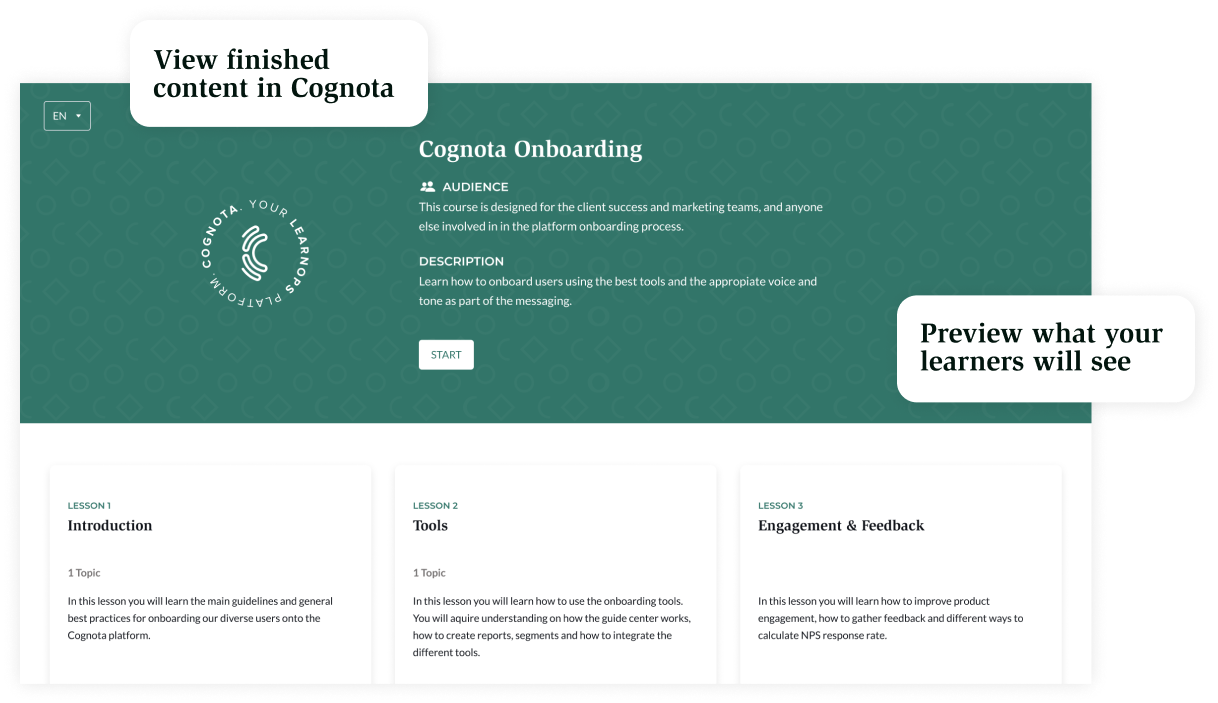
Screenshot of the Cognota Onboarding course dashboard, showing sections for Introduction, Tools, and Engagement & Feedback, with tooltips explaining how to view finished content and preview what learners will see. - Cognota

Publish Courses Directly to Your LMS

  • Dig deep into the source of underlying trends with clickable dashboard elements
  • Understand individual team member performance or trends across the entire group
  • Narrow down metrics by department and provide to business partners for further evaluation
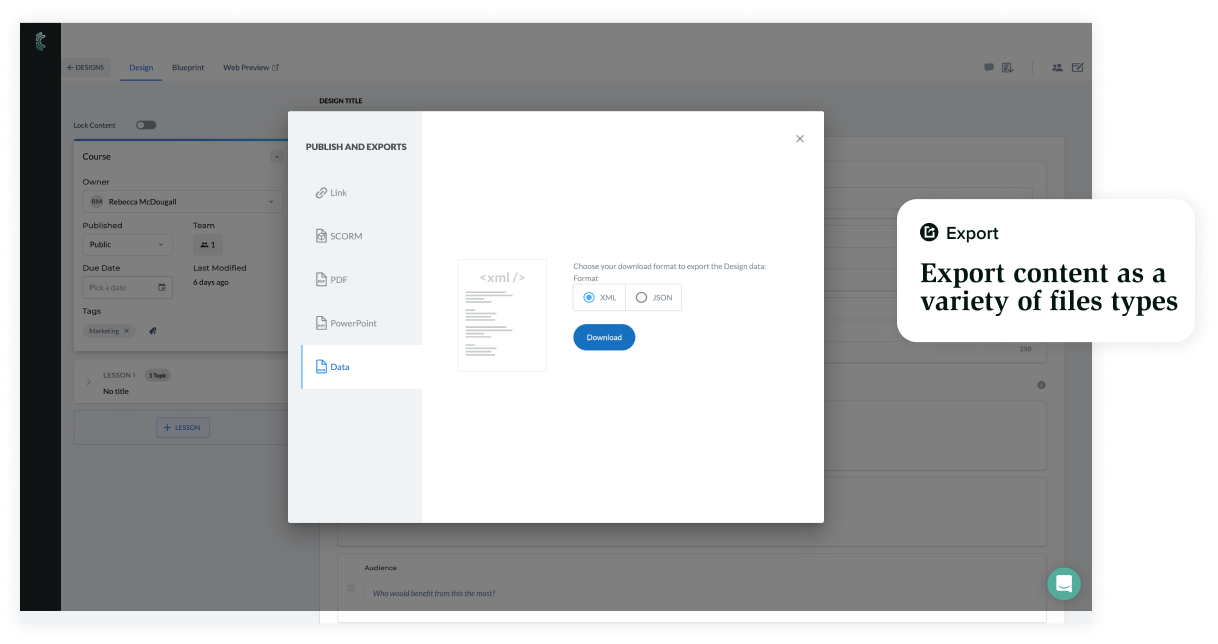
A software interface displays a "Publishing and Exports" pop-up with file format options (Link, SCORM, PDF, PowerPoint, Data) and a "Download" button. A tooltip highlights exporting content in various file types. - Cognota
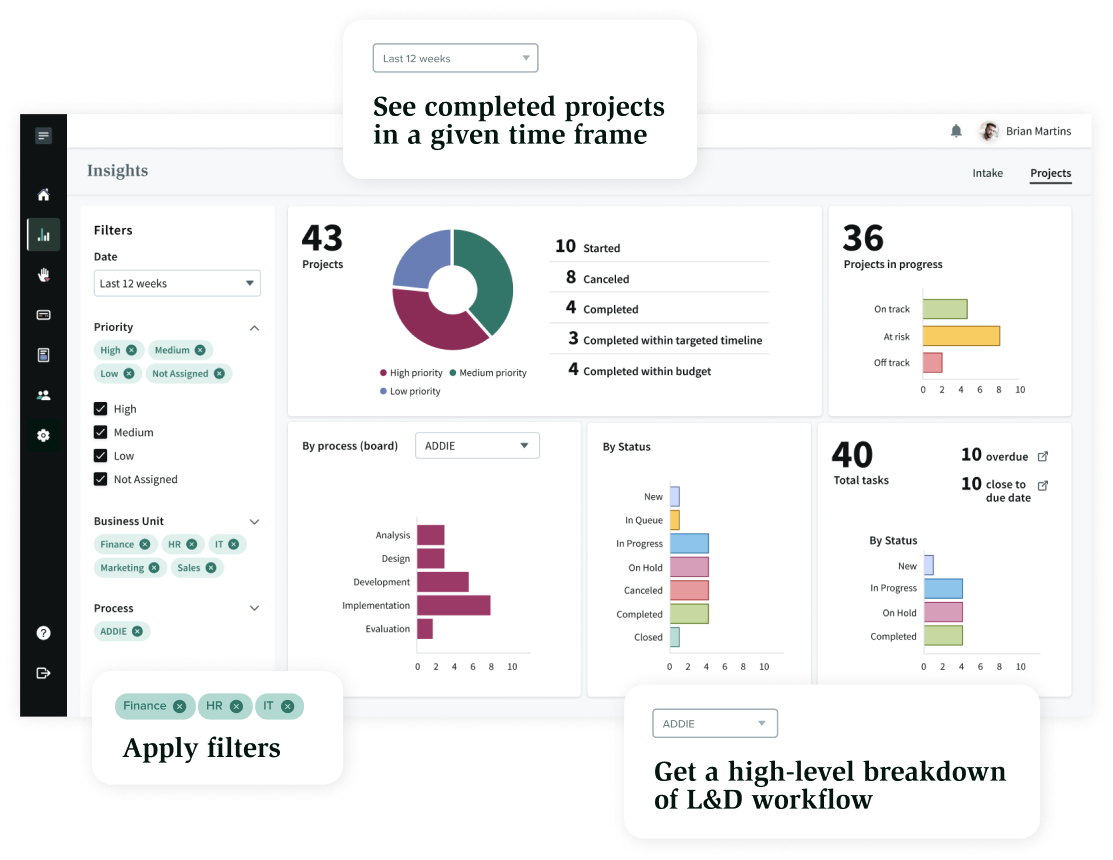
Dashboard showing project management insights with charts and graphs. Callouts highlight options to see completed projects by time frame, apply filters, and view a high-level breakdown of the learning and development workflow. - Cognota

Get Insights into the Value L&D Is Delivering Back to the Business

  • Data from designs automatically appear in a highly graphical
  • Understand the volume of designs and how many programs L&D has processed
  • Easily showcase where learning investments have provided impact
  • Ensure senior leaders understand the value that L&D is providing across the organization

FAQs About Executing Learning Programs  

with Cognota

Absolutely. You can do that in a few ways. First, you can create and use templates for your courses with standardized structure and branding. Second, you can customize help text throughout any template to ensure that everyone understands exactly what you need them to do.

Collaborators don’t need a license in Cognota, just the owner of the design itself.

You can export your designs in SCORM, xAPI, sharelinks, PowerPoint and more.

Get Started with Efficient Program Delivery Today

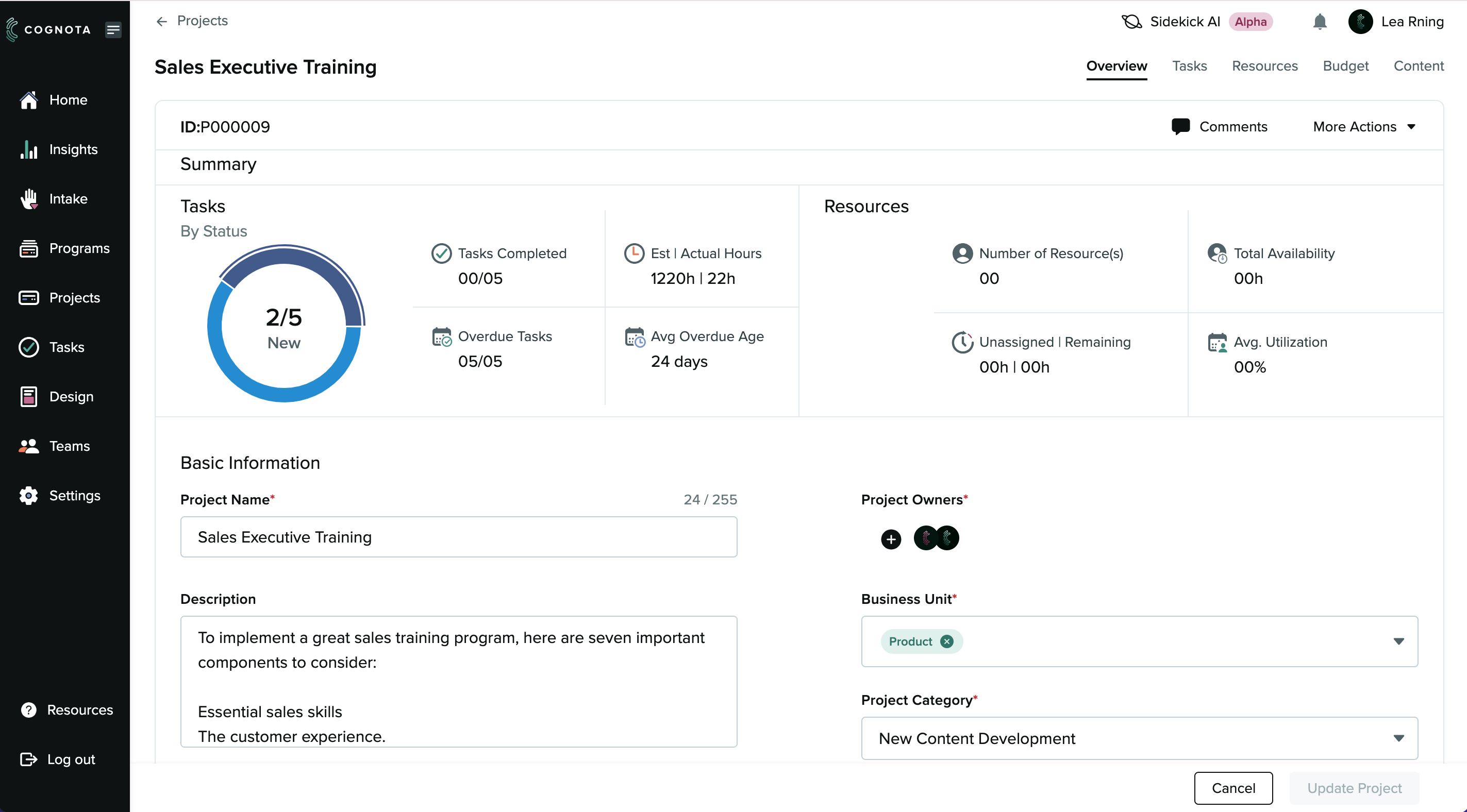
A project management dashboard for "Sales Executive Training" shows a circular progress chart, task stats, resources, project info, owners, business unit, and category. Options for navigation and editing appear on the sides and bottom. - Cognota

Template

eLearning Storyboard

Execute

Execute